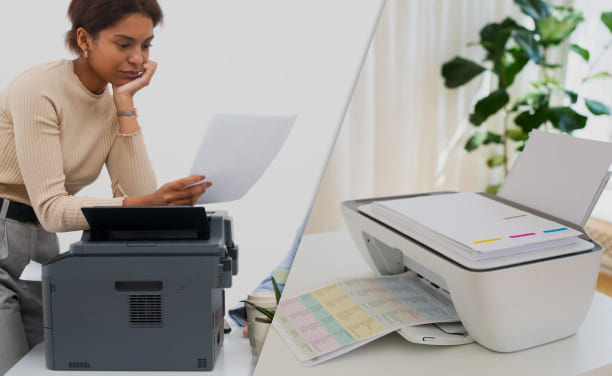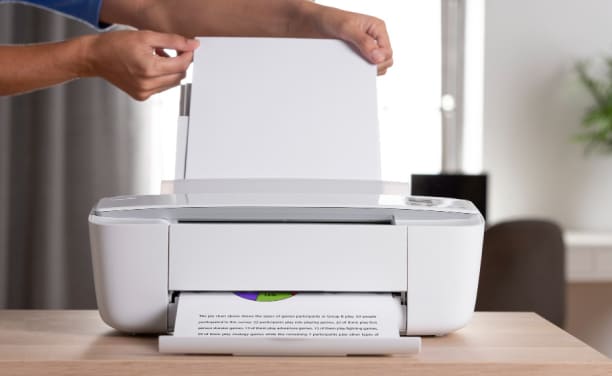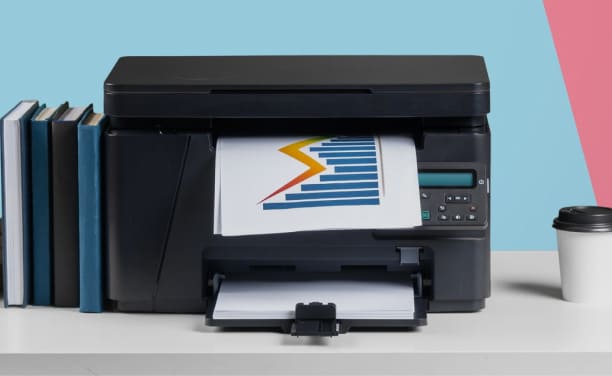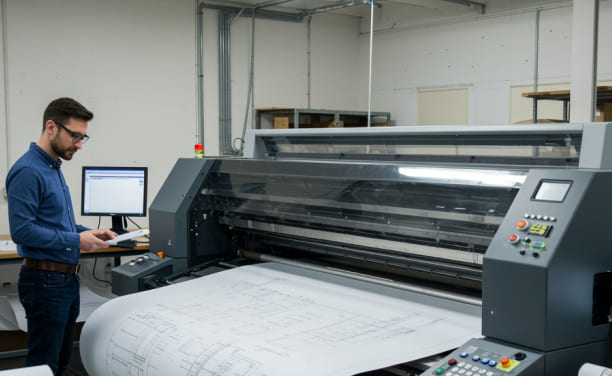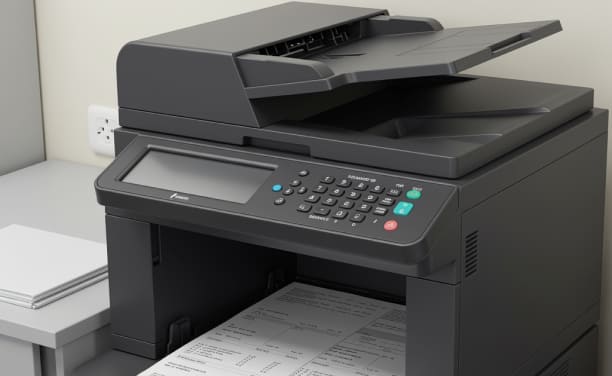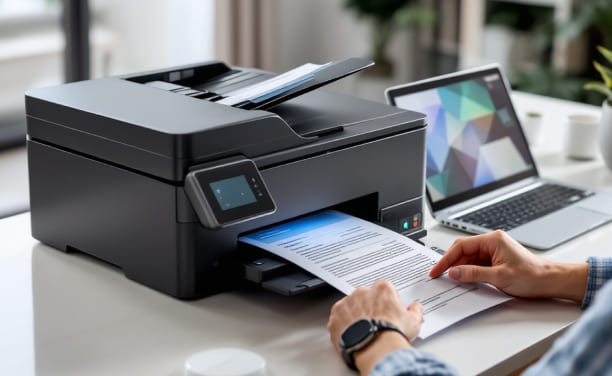
The quality of the print is very important for how professional, clear, and attractive papers and pictures look. Users anticipate the same outcomes whether they are printing business reports, school assignments, marketing materials, or artistic artwork. Modern printers use cutting-edge technologies, yet the quality of the output might change based on a number of circumstances. Users can make better choices and get better outcomes from their printers if they know these things.
1. DPI (Dots Per Inch) of the Printer
The sharpness and detail of printed output are directly affected by resolution, which is measured in dots per inch (DPI). Printers may put more ink or toner dots in a given space when the DPI value is higher. This makes gradients smoother and details sharper. This is especially critical for pictures, graphics, and photos, where you need to see them well. Lower resolution settings could be fine for plain text, but higher DPI settings are much better for detailed images.
2. The Kind And Quality Of The Paper
People often forget about paper, yet it has a big effect on the outcome. Some papers soak up ink or toner better than others. Glossy paper makes photo prints look better, while matte paper is better for texts with a lot of text. Ink may spread, or toner may not settle evenly on low-quality paper, which makes the text less clear. Choosing paper that is appropriate for the print job and works with the printer type increases the uniformity of the output as a whole.
3. How Well The Ink Or Toner Works
The quality and condition of ink or toner cartridges affect how sharp and accurate colors are. When the ink flows evenly, it covers everything evenly. The quality of the toner determines how clear the text is. If your cartridges are almost empty, not installed correctly, or not compatible with your printer type, your prints may be faded, have streaks, or have colors that are uneven. Using reliable sources and installing them correctly helps keep performance steady.
4. Upkeep and Condition of Printers
Over time, dust, dried ink, or damaged parts can make a printer work less well. For example, if you don't use your inkjet printer often enough, the print heads may get clogged, which might cause lines or missing colors. Regular cleaning and maintenance preserve the internal parts that make printing accurate in good condition. A gadget that is carefully taken care of is more likely to provide you with consistent, high-quality results.
5. Settings and Configuration for Printing
The quality of the output depends a lot on the software settings. Most printers let you choose between draft mode, ordinary quality, or high-quality printing. Draft settings make the print faster and use less ink or toner, but they may make the print less sharp. Choosing the right settings for the type of document will help you find the best balance between speed and quality. Color management settings also change the way pictures seem.
6. File And Image Quality
The quality of the source file affects how well a printer can print the material. Images with low resolution may look pixelated, no matter how good the printer is. Files made for screens usually have a lower resolution than those made for printing. The printer will be able to make sharp and accurate prints if you use high-resolution files that are prepared correctly.
The quality of prints from modern printers depends on a number of factors, including the hardware, the materials used, how well they are maintained, and the settings chosen by the user. Users can easily improve their output by learning how resolution, paper type, supply, and settings all work together. Taking these things into account can help make sure that documents and pictures look clear, professional, and in line with what you anticipate.

Copyright © 2026 Geek Sorted. All rights reserved.