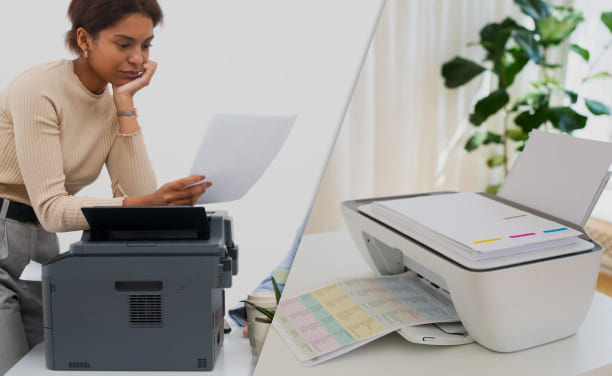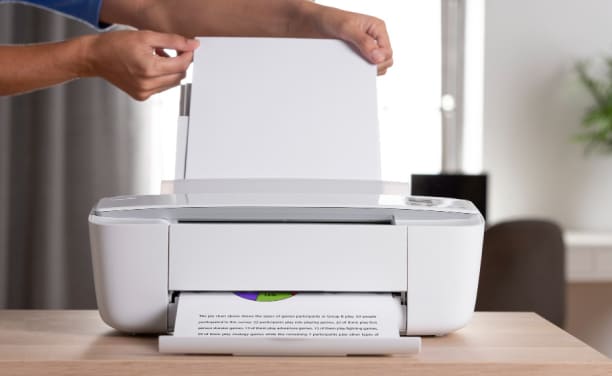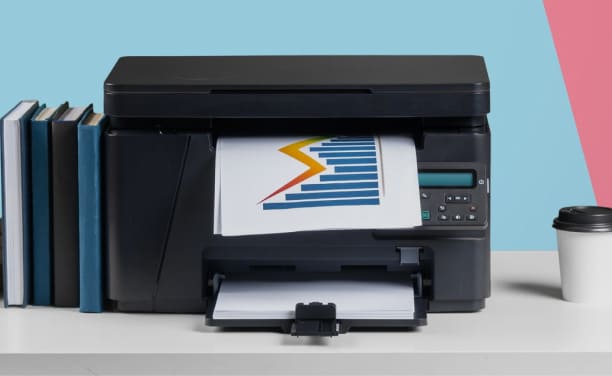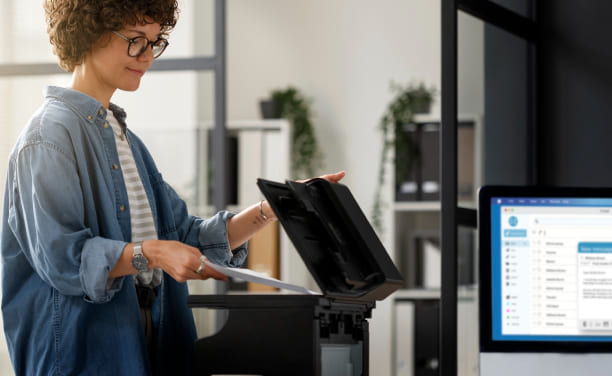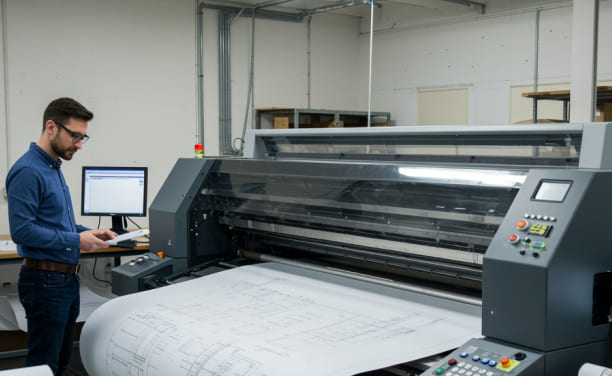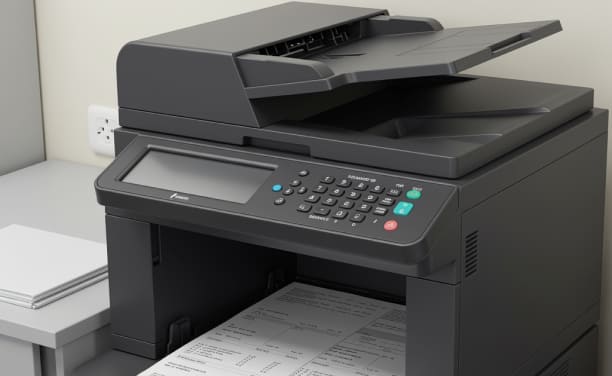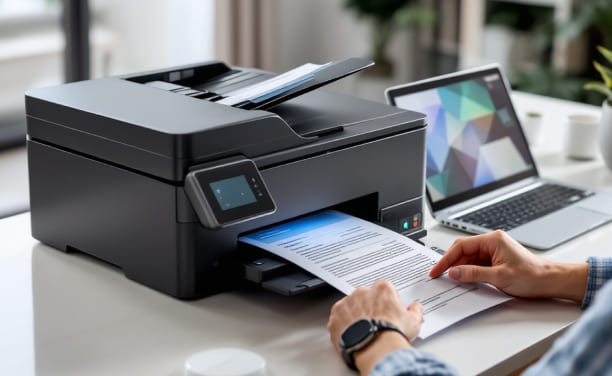
An all-in-one printer is useful for both homes and businesses because it can print, scan, and copy all in one device. Users can get a small solution that meets all of their everyday document needs instead of having to manage multiple machines for different jobs. There are, however, more things to consider when picking the right model than just price or name. People print in different ways, have different amounts of room, and expect different levels of performance. Before you buy, knowing the device's main features and how you plan to use it will help you make sure it fits your needs. Giving things a lot of thought also helps with long-term worth, efficiency, and a generally better printing experience.
1. Printing Needs and Amount
How often the printer will be used is one of the most important things to think about. A printer that is only meant to be used occasionally at home might not work well in a busy office. The number of pages printed each month gives you an idea of how much work a printer can handle. Choosing a printer that is right for how you use it will keep it running smoothly and give you regular results.
2. Resolution and quality of the print
How sharp text and images look is affected by print resolution, which is generally given in DPI (dots per inch). It's helpful to be able to print photos, graphics, or presentations at a better resolution. A moderate resolution might be enough for simple papers. By evaluating your output goals, you can make sure that the printer gives you the clarity you need for your work.
3. How Fast and Well It Works
Print speed, which is usually given in pages per minute (PPM), is important for people who do a lot of work or jobs with many pages. In shared or office settings, faster speeds can make work go more quickly. But speed and quality should be balanced so that papers look professional and can be read.
4. Choices for Connecting
Modern all-in-one printers let you connect them in some ways, such as via USB, Wi-Fi, or network writing. Wireless connectivity lets you print from a variety of devices, like computers and smartphones, which can be helpful in flexible work settings. Checking to see if your gadgets are compatible will make integration go more smoothly.
5. Thoughts on Space and Design
Even though all-in-one printers are made to take up less room, they come in different sizes. Before buying, you should look at the desk space, room layout, and placement choices. Smaller models work well in smaller spaces, while bigger ones might have extra features that work better in offices.
6. More Uses Than Just Printing
All-in-one printers can scan and copy in different ways. Some types have touchscreen controls, automatic document feeders, or the ability to scan on both sides of a page. Figuring out which extra features are useful can help you get more done and make everyday jobs easier.
Finding the best all-in-one printer means finding the right balance between speed, features, and your everyday needs. Instead of just focusing on one specification, it's better to look at how it will be used, how it will connect, how much room it will take up, and how well it will work overall. When buyers think about all of these things together, they are better able to pick a device that will work well for them in the long run and for everyday printing.

Copyright © 2026 Geek Sorted. All rights reserved.