These days, picking a printer is more complicated than just picking a brand or price range. Modern printers have a lot of different technologies, features, and performance markers that can make it hard for buyers to decide which one to buy. When you know how to properly compare specifications, you can make a choice that fits your needs instead of one that is based on marketing claims. When you buy something for your home, a small office, or work, it's important to know what each feature means so you can focus on speed, efficiency, and long-term value. Instead of getting confused by all the technical terms, a smart comparison method helps you find the printer that works best for you and your surroundings.
1. How Fast And Well It Prints
Pages per minute (PPM) are often used to measure how fast something prints. This spec tells you how fast a printer can print paper. Moderate speeds may be enough for home users, but offices that print a lot of documents should look for better PPM ratings. But speed and dependability should both be thought about, because steady output is more important than top performance numbers.
2. Print Resolution and Output Quality (DPI)
The number of dots per inch (DPI) used to measure resolution changes how clear and sharp prints look. It's important to have higher DPI values when printing photos, graphics, and images, but normal document printing doesn't always need very high resolution. When you compare DPI, you can see how well the printer handles gradients, small text, and color detail.
3. Printer and Core Technology
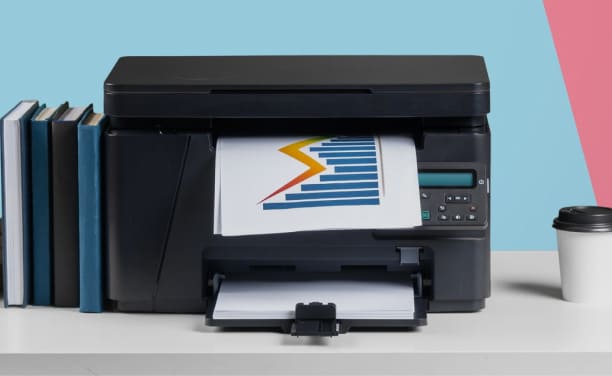
Different types of printer technology are used for various tasks. People know that inkjet printers can print photos that look great. Laser printers are good for writing a lot of pages quickly and clearly because they focus on speed. With their efficient design, LED printers produce the same amount of work as laser printers. Knowing about the printer's core technology can help you choose one that works best for how you use it.
4. Networking and Device Compatibility
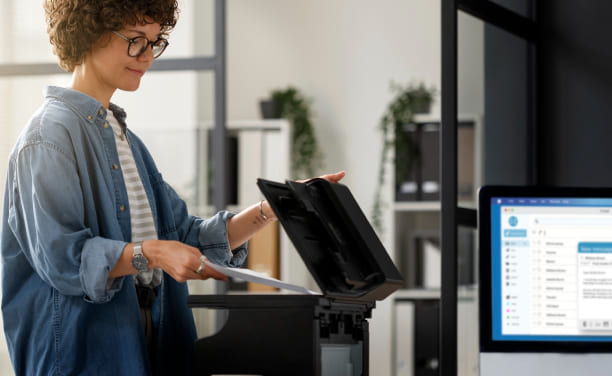
Most modern printers can connect to your computer in more than one way, like through USB, Wi-Fi, or a network. You can print from computers, smartphones, and tablets with wireless connectivity, which gives you more options for how you set up. Making sure that it works with your operating system and gadgets will make sure that it fits in well with your workspace.
5. Paper Handling and Media Support
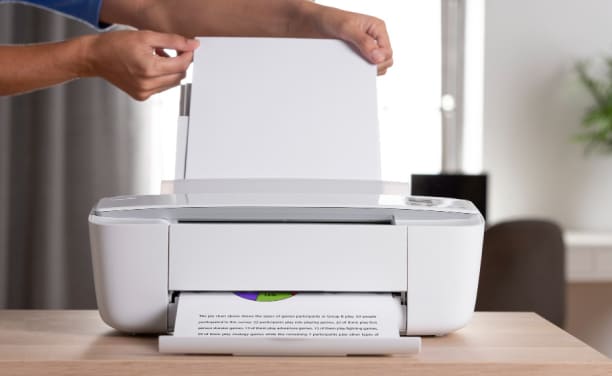
Different printers can handle different kinds and sizes of paper. Some models can only handle standard papers, while others can handle envelopes, labels, and bigger files. The size of the tray is also important, especially in the office, where bigger trays mean less regular refilling.
6. Monthly Duty Cycle and Workload Capacity
The job cycle tells you how many pages a printer can print in a month. This feature helps you figure out if a model is good for casual use at home or heavy work at the office. Choosing a printer that is right for the number of pages you plan to print will make it last longer and work better every time.
7. Needs for Size, Design, and Space
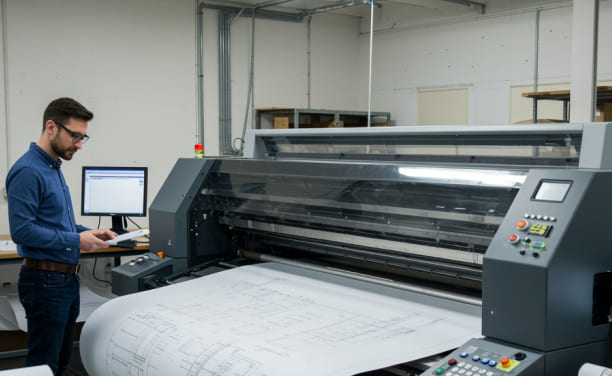
People often forget how important physical measurements are, but they are. Small printers can fit on home desks, but bigger printers might need their own office. Putting the printer in a place that lets it breathe and is easy to get to will make it work well in your surroundings.
The smart way to compare printer specs is to think about how each feature fits with your wants. Don't just look at one number or feature; instead, look at speed, quality, connectivity, and workload ability all at once. This balanced method helps you choose a printer that works well, fits in your space, and meets your everyday printing needs without being too complicated.

Copyright © 2026 Geek Sorted. All rights reserved.